iOS and web app that helps me focus my day on two priorities

Team
Me, with Claude and Codex as build agents
Timeline
Jun – Aug 2026
Challenge
To-do lists let everything be equally important. You can tag, label, and nest them and still end the day asking what you actually accomplished.
What I Did
Designed and built a daily planner around the Burner List method from the “Make Time” book, on web and iOS, sharing one design token pipeline, one data contract, and one Supabase backend. Codex and Claude wrote most of the code. I set the standard, the architecture, and the guardrails.
Outcome
This is ongoing. It’s live on the web, syncing to a native build on my phone, and it’s what I plan my day with every day. I’m moving this to beta testing so that others can benefit from it too.
The method that fixed it for me is the Burner List, from Jake Knapp and John Zeratsky’s Make Time. One sheet of paper, three zones:
Your top priority project
Your second most important project
Everything else
I used this method on paper on and off for a year but felt that I couldn’t bring it with me on the go and that having lots of pages around added clutter. I decided to build a tool that would help me mimic this method.

UX Walkthrough:


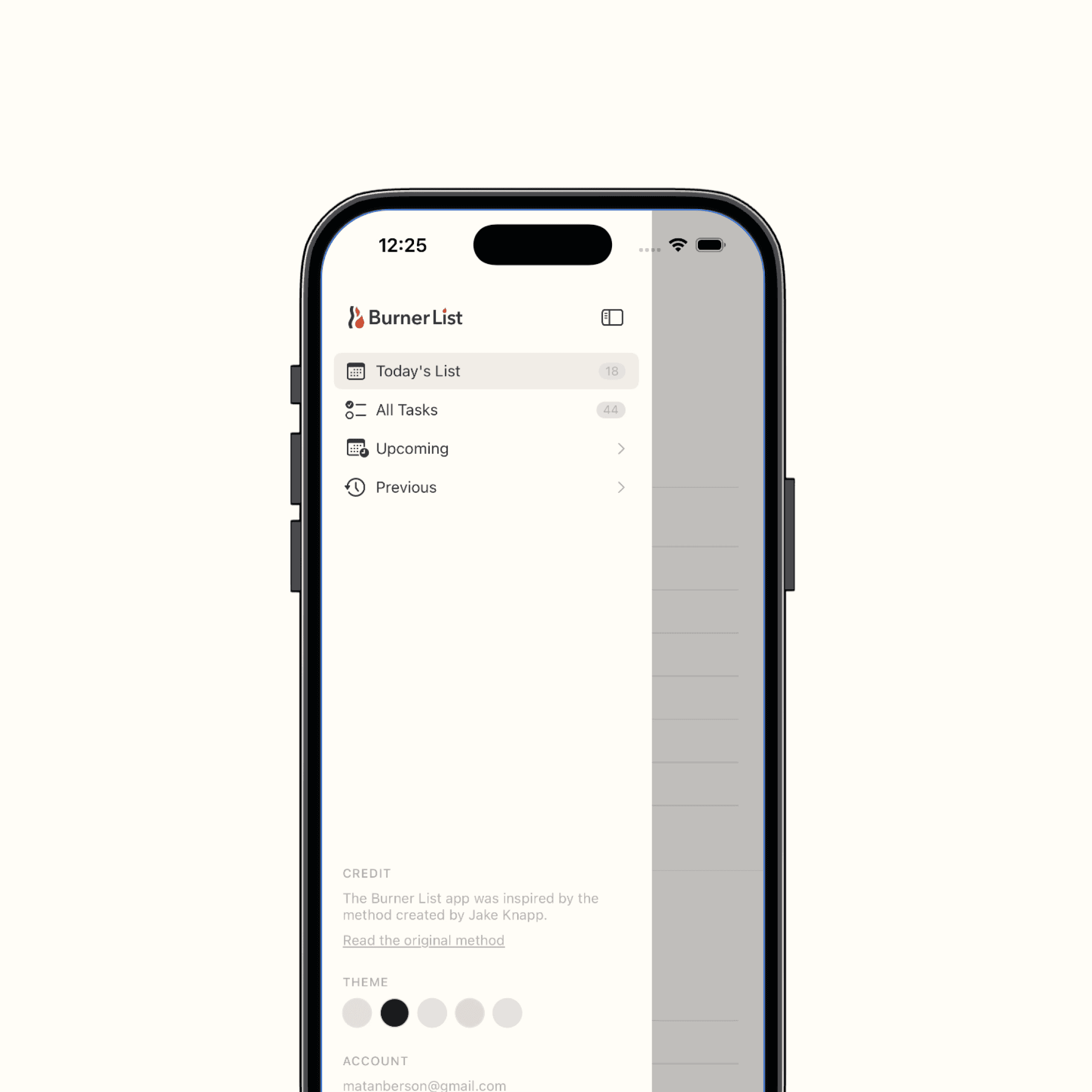
As I built the functionality, I used Claude to build out a design system that propagates to both the iOS and Web app
One token file.
tokens.jsonholds every shared color, space, and radius, and generates both the web CSS and the SwiftUI tokens. Neither platform hand-writes a hex value, and CI fails if the generated files drift.
One data contract. A short spec both clients implement: what the four zones are, how conflicts resolve when the same task is edited on two devices, and which interactions have to mean the same thing on both platforms.
I designed the brand and UI in Figma, specified in the token file and component inventory, and reviewed in the style guide and Xcode.

Supabase acts as the shared brain behind both iOS and Web clients
Supabase: Two tables, burner_lists_v2 and burner_tasks_v2, are the single source of truth both clients read and write. Auth is Google or email through Supabase, with the session kept in the Keychain on iOS. The web app talks to Supabase directly over REST, no ORM in between.
Sync follows one rule: whichever row has the latest updated_at wins, and a delete beats an edit at the same timestamp. Each client keeps a local backup, so a flaky connection loses nothing; it just retries.

GitHub and automated PR reviews
Every PR gets a deterministic risk score across change surface, reversibility, data and security impact, and verification gaps. Low risk with no blockers gets an automated approval. Anything touching auth, migrations, deploys, or the workflow files themselves is always mine. The automation never merges.
Key learnings from this project
Multi-client sync is harder than it looks. I had to migrate live data from a single JSON blob into row-level sync while the schema was still changing under me, without losing a list.
AI agents need one source of truth or they'll invent their own. Claude and Codex both write to spec fine, but only once the token file and component inventory existed to check against.
OAuth wasn't something I'd built before. Google sign-in on mobile web needed a redirect flow and session-restoration fallback that desktop never surfaced.
I actively use this every single day and it’s helped me with my daily focus immensely
It’s live on the web today, and I run a native build on my phone. Getting that build onto TestFlight, and eventually the App Store, is the next thing I’m doing with it.
It went from a paper method to a synced web and iOS app, with a shared design system, a backend that survived a live schema migration, and a build pipeline that reviews itself.